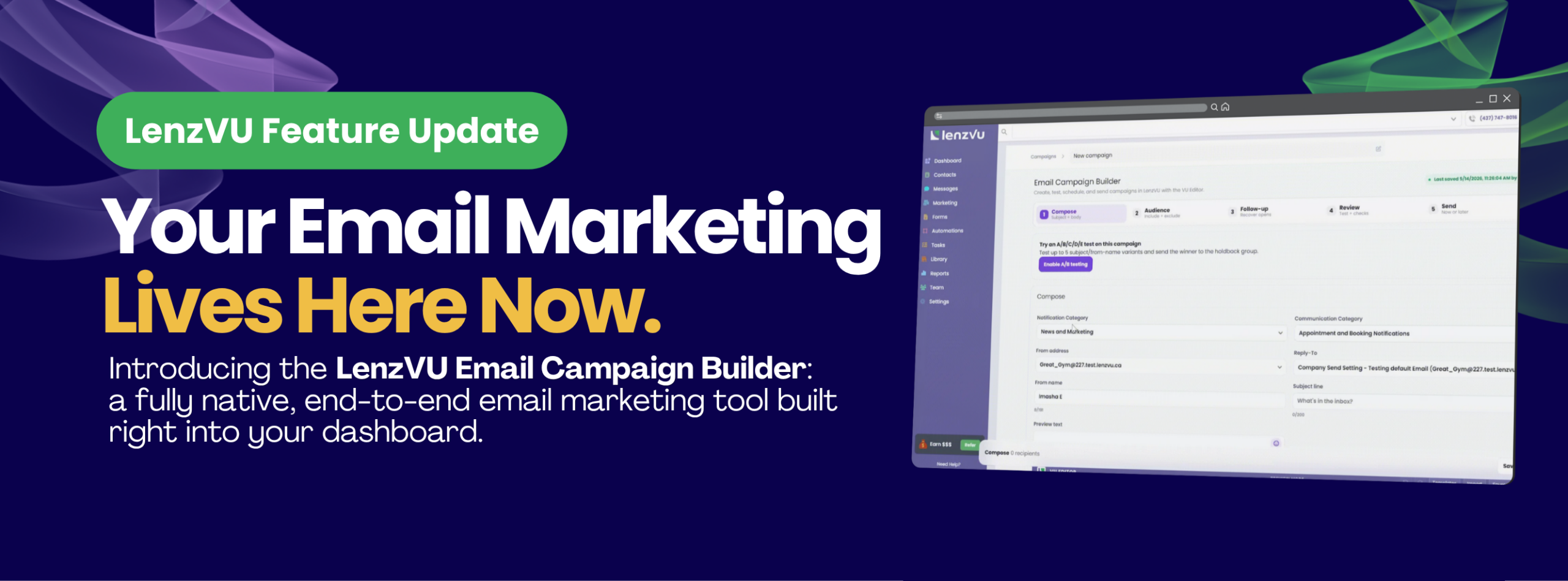
Introducing the LenzVU Email Campaign Builder
End-to-end email marketing — composing, targeting, A/B testing, follow-ups, and analytics — now live inside your LenzVU dashboard.
The LenzVU Email Campaign Builder is live now for all clients. It’s a complete, end-to-end email marketing experience — built around the CRM data you already have in LenzVU — with tools that previously required a separate subscription to access.
Why We Built This
Most fitness studios and wellness businesses we spoke with were running a two-platform operation: LenzVU for their CRM and client data, and something like Mailchimp or Klaviyo for email. That workflow created real friction.
Every time you wanted to send a campaign, you had to export your client list from LenzVU, import it into your email tool, build your audience from scratch, send the email, then go back to a completely separate dashboard to check performance. Your CRM data and your email analytics were always out of sync — and the manual re-work added up fast.
Why We Built This
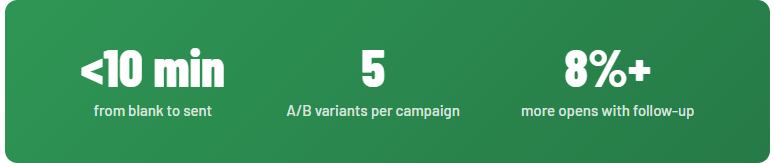
The result? Teams were spending 30–45 minutes just to get a campaign out the door. There was no follow-up automation, no A/B testing, and no way to use your CRM tags for targeting without manually recreating them elsewhere.
We built the Email Campaign Builder to fix all of that at once. Everything lives in one place, driven by the client data you’ve already built in LenzVU.
What's Included
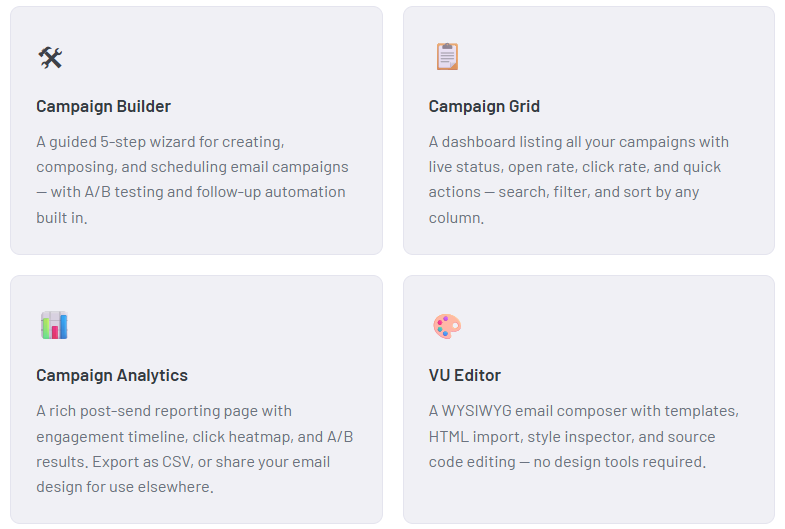
The feature ships as three interconnected modules:
The 5-Step Builder
Every campaign in LenzVU follows a clean, guided workflow. The stepper at the top of the builder always shows your live recipient count, so you’re never guessing who’s actually going to get your email.
Set your campaign name, notification category, from name, subject line, and preview text. Then build your email body using the VU Editor. Load a pre-built template, import your own HTML, or start from scratch. A/B testing can be enabled here with up to 5 completely different email designs.
Choose who receives the campaign by selecting CRM tags, saved audiences, or your full client list. Exclude specific tags or segments on the right side of the same screen. The recipient summary bar at the bottom updates in real time: Included − Excluded = Net.
Choose when to resend (1–7 days) and who to target — contacts who didn’t open, or those who opened but never clicked. Automate up to 3 follow-ups per contact. A visual timeline shows the full send sequence before you move on.
A full settings summary on the left, inbox preview on the right. Send a test email to yourself or your team before the campaign goes live. The review step surfaces any warnings — missing subject line, empty audience, no exclusion list — so nothing slips through.
Send immediately, schedule for a specific date and time, or save as a draft to come back to. Your Boosts wallet powers the send. If you’re running an A/B test, this step also shows your variant distribution and a statistical reliability indicator for your sample size.
A/B Testing, Built In
Most studios never had access to proper A/B testing — it was either unavailable in their email tool or too complicated to set up. In LenzVU, it takes about 30 seconds.
Enable A/B mode from the Compose step and you can test up to five completely different email designs — not just subject lines or from-name combinations. This is something most major CRMs simply can’t do. You control how much of your audience goes into the test pool, how long the test runs (2 to 24 hours), and what metric determines the winner — open rate, click rate, or click-to-open rate.
How winning works: When the test window closes, LenzVU automatically identifies the winning variant and broadcasts it to your holdback group — the portion of your audience that didn’t receive any variant during the test. You can also choose manual selection if you want to review the data yourself before it goes out.
A statistical reliability indicator on the Send step warns you when your per-variant sample size is too small to produce meaningful results — so you’re not making decisions based on noise.
Follow-Up Automation That Actually Works
The industry average email open rate sits around 28%. That means roughly 7 out of every 10 people on your list won’t open your first send — not because they’re not interested, but because life got in the way.
The follow-up feature exists to recover those opens automatically. Based on testing, an automated re-send to non-openers with a fresh subject line recovers an additional 8% or more in opens — without any extra work from you.
You choose when to resend (we recommend 2–3 days — close enough to stay relevant, far enough not to feel pushy), who to target — contacts who didn’t open, or those who opened but never clicked — and the maximum number of follow-ups per contact, up to 3. Quiet hours are enabled by default, so follow-up sends are deferred to the recipient’s local 9am–6pm window.
Post-Send Analytics
After a campaign goes out, the Analytics page gives you a complete picture of how it performed — all inside LenzVU, without needing to log in to a separate platform.
The analytics page includes:
- KPI strip — Delivered rate, open rate, click rate, click-to-open rate, and unsubscribe + bounce rate, each with a delta vs. your previous campaign
- Engagement timeline — Hourly or daily open and click counts from send time through 7 days, with markers for your follow-up send and A/B winner announcement
- Click heatmap — A rendered preview of your email showing exactly where contacts clicked, overlaid as a visual heat map
- A/B winner banner — Winning variant, open rate lift vs. runner-up, statistical confidence level, and broadcast details
- Follow-up banner — Non-openers reached, follow-up open rate, and total additional opens recovered
- Export — Download results as CSV, or share your email design if you want to post or reuse it elsewhere
Available to All LenzVU Clients Today
The Email Campaign Builder is available now to all active LenzVU subscribers — no additional cost, no plan upgrade required. Every send is powered by your existing Boosts wallet.
To start your first campaign, go to Marketing → Email Campaigns → New Campaign in your LenzVU dashboard.
If you want a walkthrough of the builder or help setting up your first A/B test, our team is available via the Calendly link below.
Send Your First Campaign Today
Head to Marketing → Email Campaigns in your dashboard, or book a walkthrough with our team.