
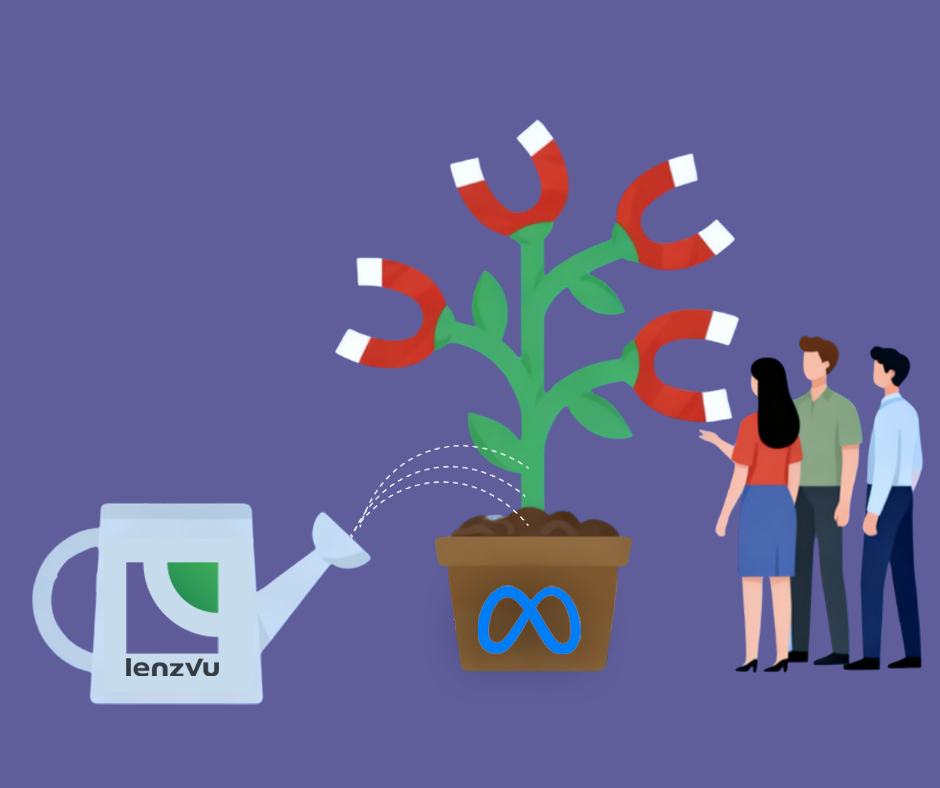
Meta Ad Tracking connects your LenzVU tracker stages directly to your Meta (Facebook & Instagram) ads.
When enabled, LenzVU automatically sends important customer milestones – like purchases, bookings, and subscriptions to Meta. This allows Meta’s ad algorithm to optimize for real business results instead of just clicks or page views.
This feature is designed to help you:
- Improve Facebook and Instagram ad performance
- Lower cost per lead and cost per purchase
- Increase return on ad spend (ROAS)
- Track real revenue and customer actions
Tracker Stages & Meta Event Mapping #
In LenzVU, your Tracker contains stages that represent key points in your customer journey.
When a contact or client moves into one of the stages listed below, LenzVU automatically sends the corresponding standard event to Meta (if tracking is enabled).
This means your ad account receives real-time updates based on actual business actions.
Stage → Meta Event Mapping #
- Contacted →
Contactevent
Sent when a lead has been contacted or initial outreach has occurred. - Purchased →
Purchaseevent
Sent when a payment is completed or revenue is collected. - Trial Started →
StartTrialevent
Sent when a customer begins a free trial. - Signed Up →
Subscribeevent
Sent when a recurring subscription or membership becomes active. - Event Scheduled →
Scheduleevent
Sent when an appointment, demo, or consultation is booked. - Page Viewed →
ViewContentevent
Sent when a tracked landing page is viewed.
Important:
An event is triggered when a contact moves into that stage. If Meta Ad Tracking is turned off, no data is sent. If you would like to better understand how tracker stages work inside LenzVU, please refer to the Tracker Guide for detailed setup instructions.
Where to Find “Enable Meta Ad Tracking” #
When you connect Facebook for the first time and successfully complete the integration, you will be given the option to enable Meta Ad Tracking immediately during setup.
Additionally, You can access this setting by going to:
Settings > Company > Integrations > Facebook Integration
Click the pen (edit) icon on your connected Facebook integration and you will see the toggle:
Enable Meta Ad Tracking (recommended)
What Is “Enable Meta Ad Tracking”? #
This toggle controls whether LenzVU shares your tracker stage conversions with Meta.
When Turned ON #
- LenzVU sends selected tracker stage events to Meta automatically
- Events are sent securely using server-side tracking (Conversions API)
- Customer information (name, email, phone, location) is securely hashed before being transmitted
- Meta can optimize your ads for real outcomes like purchases, bookings, and subscriptions
When Turned OFF #
- No tracker stage data is sent to Meta
- Your ads rely only on basic browser tracking (such as clicks or page views)
- Conversion optimization may be less accurate
You can enable or disable this feature at any time.
How Enabling Meta Ad Tracking Helps Your Business #
1. Smarter Facebook & Instagram Ads #
Meta’s algorithm performs best when it receives clear conversion signals. By sending real customer actions from LenzVU, your ads learn who is most likely to:
- Book appointments
- Start trials
- Subscribe
- Make purchases
This allows Meta to automatically find more high-quality customers.
2. Lower Advertising Costs #
When Meta understands which users actually convert, it can optimize delivery toward similar audiences. Over time, this can reduce:
- Cost per lead (CPL)
- Cost per acquisition (CPA)
- Wasted ad spend
3. More Accurate Conversion Tracking #
Instead of measuring only clicks or landing page visits, you can track:
- Actual purchases
- Trial activations
- Bookings
- Subscriptions
This gives you a clearer understanding of your marketing ROI.
4. Improved Data Matching #
Below customer data to share for better attribution:
- Name
- Phone
- Location
All data is securely hashed before being sent.
For more details on how Meta processes conversion events, you can review Meta’s official documentation:
Meta Standard Events Reference
You can also review and monitor your events inside Meta Events Manager.
Is My Customer Data Secure? #
Yes.
- All personal information is securely hashed before transmission
- Data is sent using encrypted server-side connections
- You remain in full control with the tracking toggle
If the feature is disabled, no conversion events are transmitted.
Should You Enable Meta Ad Tracking? #
You should enable this feature if:
- You are running Facebook or Instagram ads
- You want better ad optimization and performance
- You want to track real customer conversions
- You want Meta to optimize for revenue-driving actions
If you are not running Meta ads, you can keep this setting turned off.
Summary #
Meta Ad Tracking in LenzVU connects your real business milestones to your advertising platform.
When enabled, moving a contact into key tracker stages automatically sends conversion data to Meta -helping your ads optimize for:
- Leads
- Appointments
- Trials
- Subscriptions
- Purchases
Turning this feature on helps your ads work smarter and grow your business more efficiently.


